Version 2026.27.6.5
Released September 24, 2026
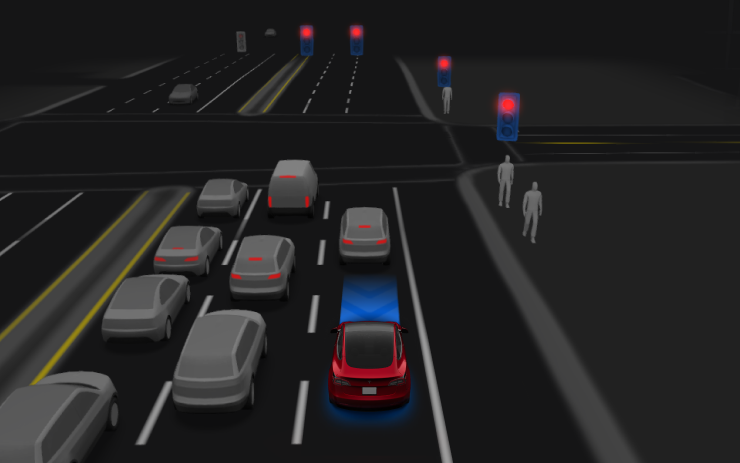
FSD (Supervised) v14.1 Lite
Included in 2026.27.6.5
FSD (Supervised) v14.1 Lite includes:
- Distilled the intelligence from HW4 V14 into HW3. This allows HW3 to directly learn how to handle scenarios using HW4 V14 as a guide. This process unlocks the improvements that have been made to HW4 including Reinforcement Learning (RL) and offline models for HW3.
- Improved both proactive and reactive responsiveness across a wide variety of categories including navigation handling, merges and forks, pedestrian interactions, traffic lights, and vehicle cut-in scenarios.
- Improved general comfort in nominal scenarios through fewer false slowdowns, smoother steering and more consistent lane centering.
- Introduced unparking and reversing capabilities.
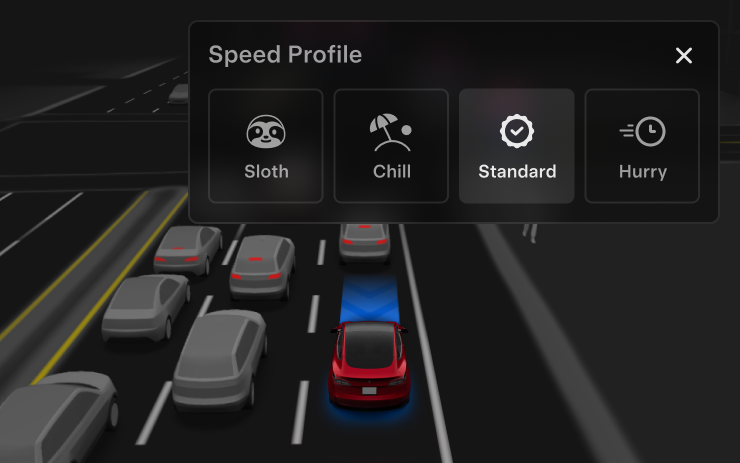
- Introduced Speed Profiles to further customize driving style preference.
Speed Profiles
Included in 2026.27.6.5
FSD (Supervised) will determine the appropriate speed based on a mix of driver profile, speed limit, and surrounding traffic.
- Driver profile has a strong impact on behavior. The more assertive the profile, the higher the max speed.
- Right scroll-wheel up/down will adjust the Speed Profile from SLOTH, CHILL, STANDARD, or HURRY.
UI Improvements
Included in 2026.27.6.5
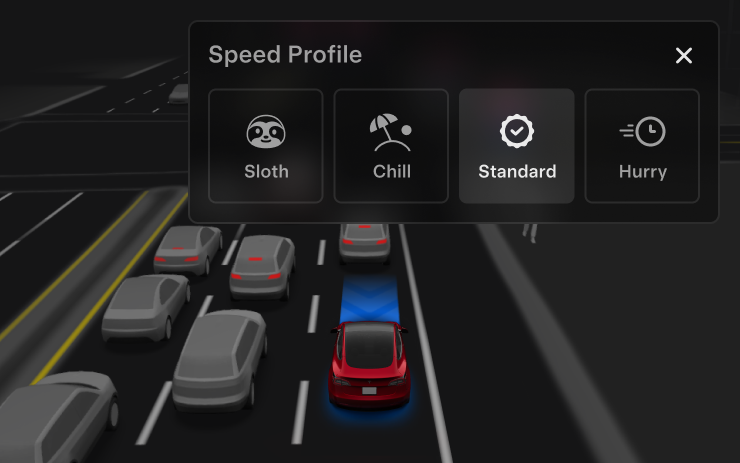
Adjust settings like the Speed Profile directly from the Self-Driving visualization on the center display.
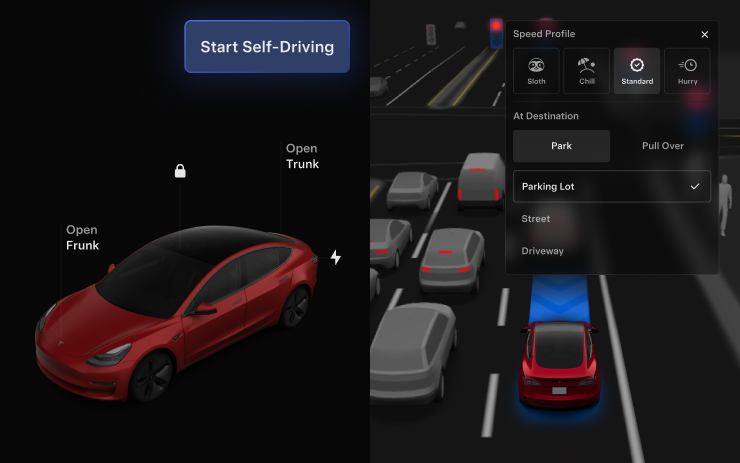
Start Self-Driving from Park
Included in 2026.27.6.5
A button will appear on the screen when driver requirements are met. Driver requirements include (but are not limited to):
- Driver is seated in driver's seat
- Driver is buckled
- Cabin Camera is unobstructed
Brake Confirm requires the driver to press and release the brake pedal before FSD (Supervised) can be activated. When Brake Confirm is disabled, pressing the button will allow Self-Driving to apply the brakes and engage FSD (Supervised). If driver detection requirements are not met or if FSD (Supervised) does not detect a driver, you will be required to press and release the brake pedal to confirm. You can enable Brake Confirm in Self-Driving > Brake Confirm.
This feature does not make your vehicle autonomous and you must remain attentive and be ready to take over at any time. Only a licensed driver authorized to operate the vehicle should be allowed access to the driver's seat position any time the vehicle is not in Theater or Arcade modes.
Full Self-Driving (Supervised)
Included in 2026.27.6.5
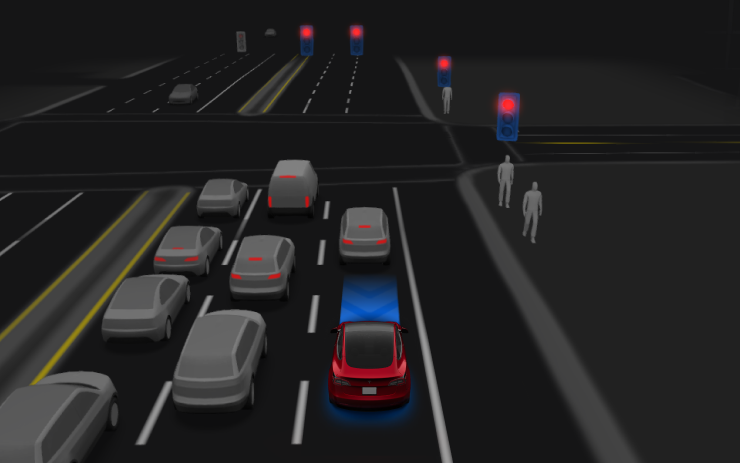
Under your supervision, Full Self-Driving (Supervised) can drive your Tesla almost anywhere. It will start from a parked position, make lane changes, select forks to follow your navigation route, navigate around other vehicles and objects, make left and right turns and park at your destination.
You and anyone you authorize must use additional caution and remain attentive. It does not make your vehicle autonomous. Do not become complacent. Full Self-Driving (Supervised) is enabled on your vehicle. To use the feature, press the Start Self-Driving button on the UI, or press the right scroll wheel button once. You can disable Full Self-Driving (Supervised) in Self-Driving Settings.
Summer Update
Included in 2026.26.6
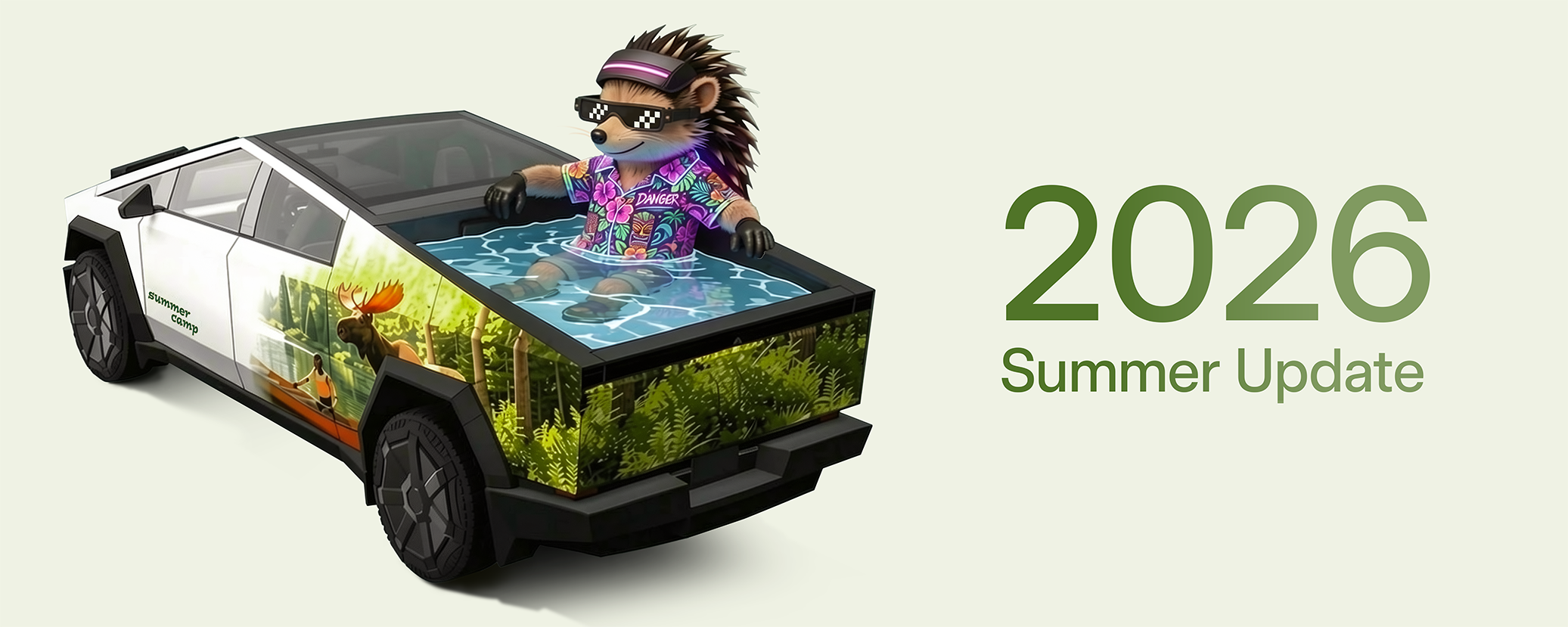
Swipe up to see your new features in the 2026 Summer Update.
Caraoke
Included in 2026.26.6
Sing along to your favorite songs by going to App Launcher > Caraoke. Requires Premium Connectivity.
Custom Wraps
Included in 2026.26.6
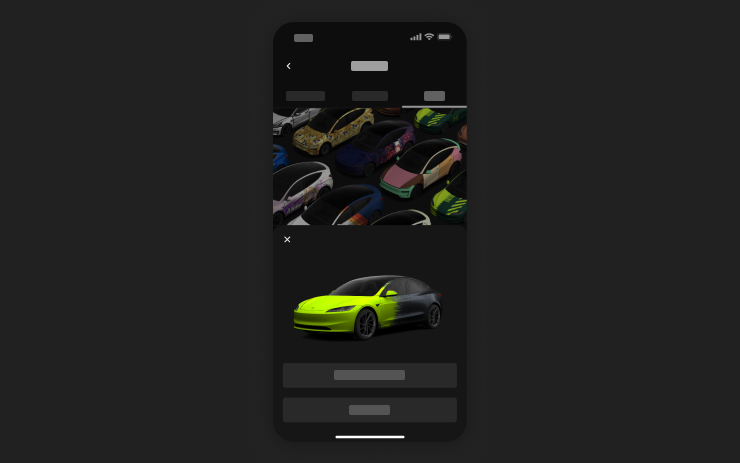
Use the Mobile App to upload custom wrap designs from images on your phone and send directly to your Tesla. Go to Creations > Wrap > Upload. Requires Mobile App v4.59.0 or later.
To access in car, go to App Launcher > Toybox > Paint Shop.
Automatic Navigation
Included in 2026.26.6
Automatic Navigation now adapts to your routine. In addition to Home, Work, and upcoming calendar events, your vehicle can now suggest and route to the places you visit regularly, like a school drop-off on the way to work, when Destination Suggestions are enabled. Location data is anonymous to Tesla and not associated with your vehicle.
Alternative Routes
Included in 2026.26.6
See alternative routes while driving. Tap the map mode button or tap the next turn to switch to Overview mode and choose a different route.
Camera Preview
Included in 2026.26.6
You can now open Camera Preview at any time, even if your Tesla is not in Park.
Go to Controls > Service > Camera Preview and tap on any camera view to see it individually. Tap the grid button to switch back to all cameras.
Apple Music
Included in 2026.26.6
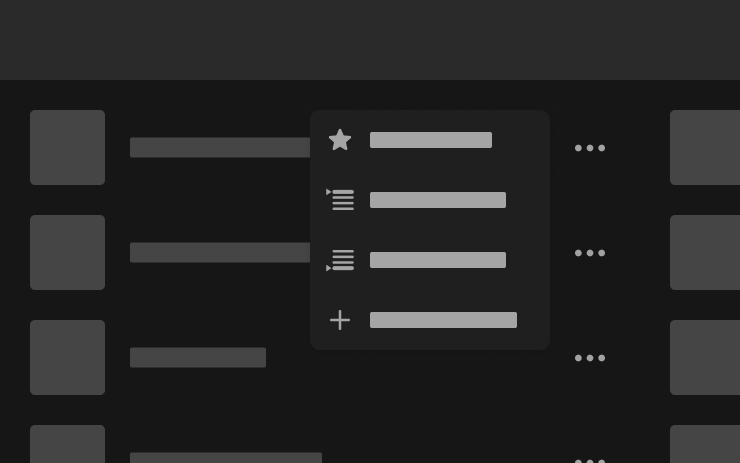
Add songs to your Apple Music queue directly from Search results and Artist pages. Tap and hold a song, or tap the three-dot menu to play next, add to queue, save to your library, or mark as a favorite. Requires an active Apple Music subscription.
Driving Visualization
Included in 2026.26.6
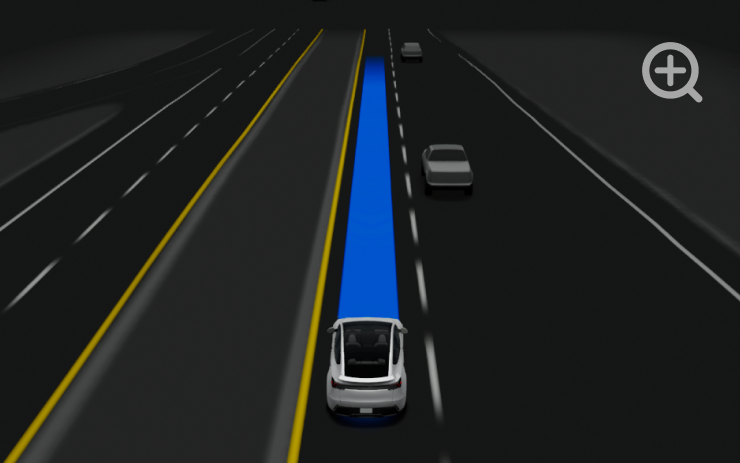
Customize your Self-Driving zoom preference. Pinch the visualization or select one of the presets in Controls > Self-Driving > Visualization Camera Zoom.
Supercharger Search
Included in 2026.26.6
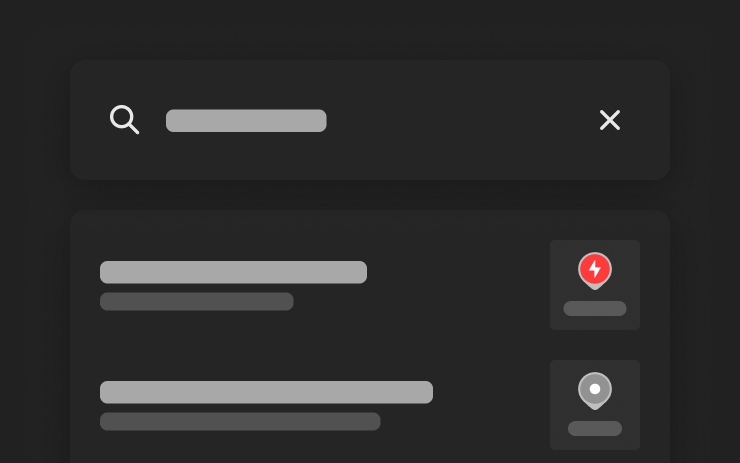
You can now find Superchargers by name when searching for a destination.
Security Improvements
Included in 2026.26.6
This update includes important security fixes and improvements.