Version 2026.26
Released July 26, 2026
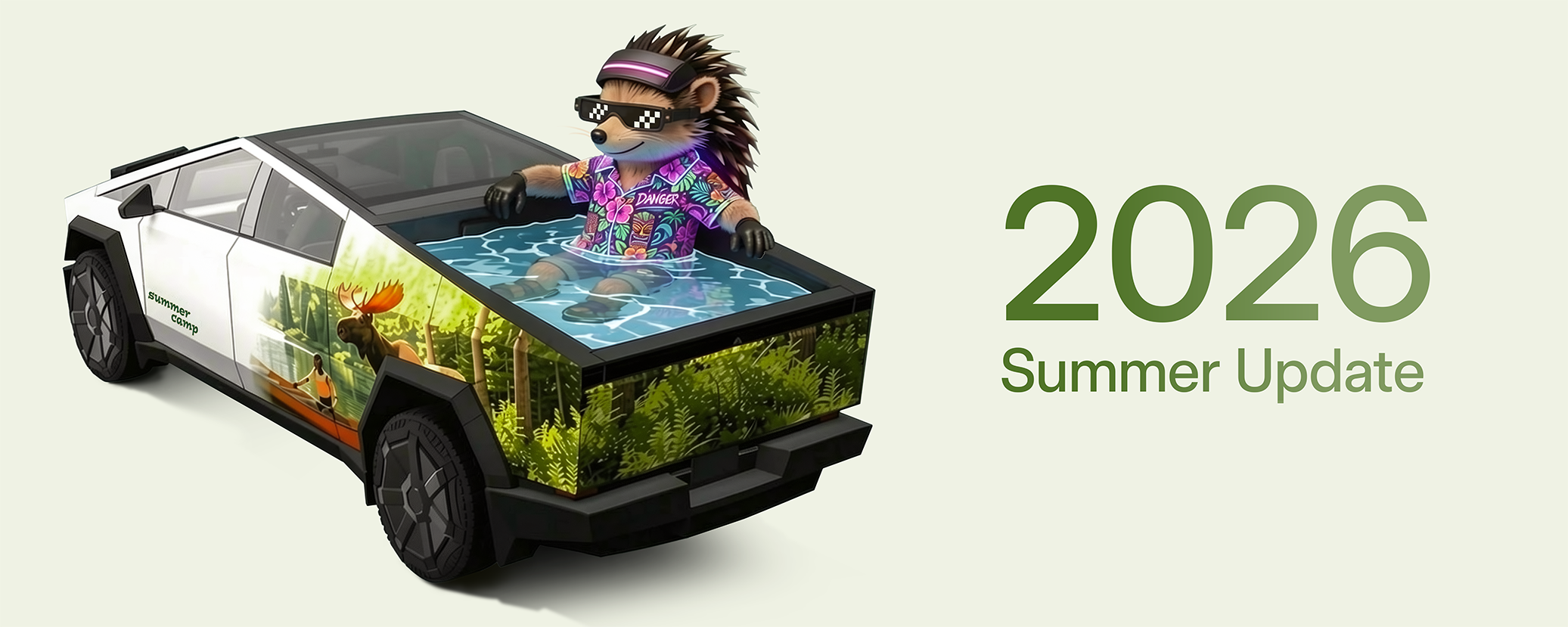
Summer Update
Included in 2026.26
Swipe up to see your new features in the 2026 Summer Update.

Grok Commands
Included in 2026.26
Grok can now make phone calls, play music, adjust climate, and search the Controls panel. Ask Grok about your Tesla or what was included in the latest software update.
Go to Grok > Settings to enable or disable "Hey Grok" and location-based reminders. Requires Premium Connectivity or a WiFi connection. Conversations are anonymous to Tesla and not associated with your vehicle.
Caraoke with Scoring
Included in 2026.26
Caraoke now scores your singing while in Park. Earn stars and track your high scores in the My Karaoke tab. On the rear display, tap the queue button to show a QR code for passengers to scan and add songs to the queue from their phones. Requires Premium Connectivity.
Custom Wraps
Included in 2026.26
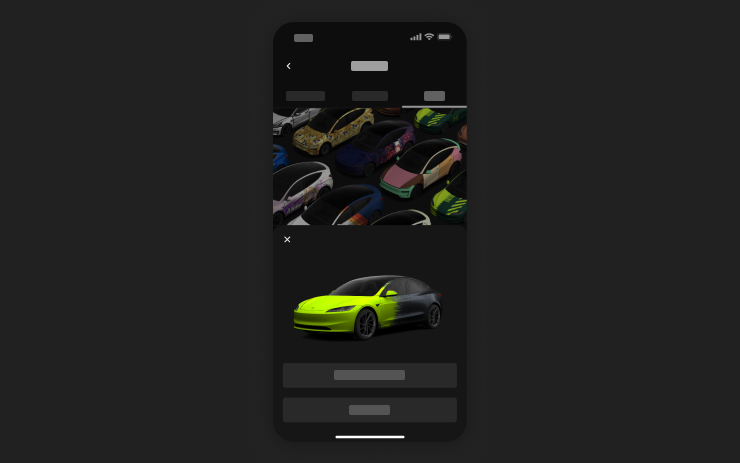
Use the Mobile App to upload custom wrap designs from images on your phone and send directly to your Tesla. Go to Creations > Wrap > Upload. Requires Mobile App v4.59.0 or later.
To access in car, go to App Launcher > Toybox > Paint Shop.
Preferred Routes
Included in 2026.26
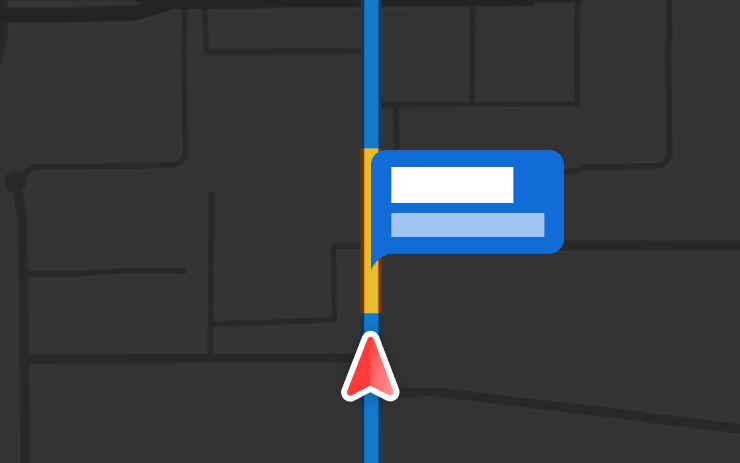
Navigation now prioritizes routes that you've taken before. Online Routing must be enabled at Controls > Navigation > Online Routing. Location data is anonymous to Tesla and not associated with your vehicle.
Automatic Navigation
Included in 2026.26
Automatic Navigation now adapts to your routine. In addition to Home, Work, and upcoming calendar events, your vehicle can now suggest and route to the places you visit regularly, like a school drop-off on the way to work, or the gym on the way home.
To enable, go to Controls > Navigation > Automatic Navigation. Location data is anonymous to Tesla and not associated with your vehicle.
Camera Preview
Included in 2026.26
You can now open Camera Preview at any time, even if your Tesla is not in Park.
Go to Controls > Service > Camera Preview and tap on any camera view to see it individually. Tap the grid button to switch back to all cameras.
Apple Music
Included in 2026.26
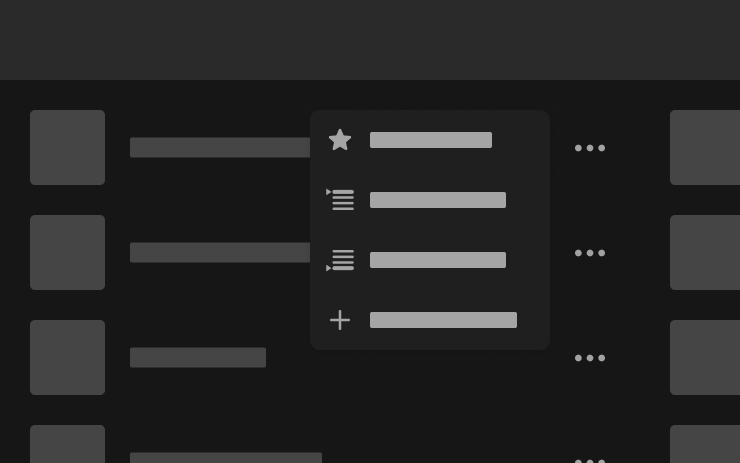
Add songs to your Apple Music queue directly from Search results and Artist pages. Tap and hold a song, or tap the three-dot menu to play next, add to queue, save to your library, or mark as a favorite. Requires an active Apple Music subscription.
Web Browser
Included in 2026.26
You can now use your Tesla's interior camera and cabin microphone in Web Browser. Tap to grant permissions when a website requests access. Camera is only available while parked.
Set Arrival Energy
Included in 2026.26
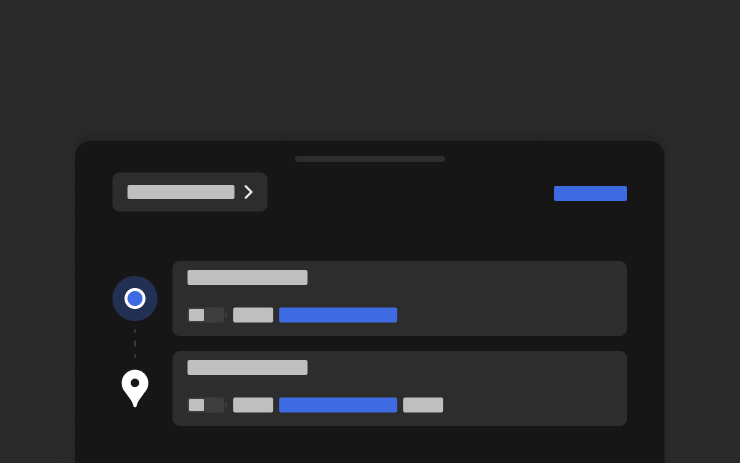
Set your desired Arrival Energy for any trip from your phone. Open the location tab in the Tesla Mobile App, enter your destination, and tap Set Arrival Energy. Requires Mobile App v4.58.0 or later.
Supercharger Search
Included in 2026.26
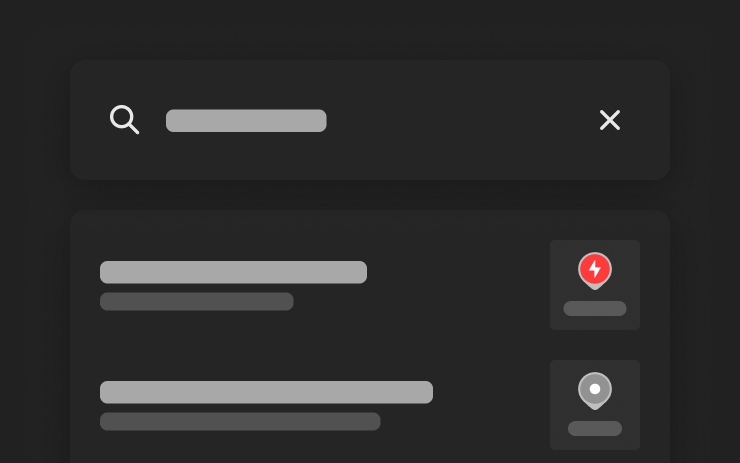
You can now find Superchargers by name when searching for a destination.
Security Improvements
Included in 2026.26
This update includes important security fixes and improvements.

Security Improvements
Included in 2026.20.6
This update includes important security fixes and improvements.

Security Improvements
Included in 2026.20.3
This update includes important security fixes and improvements.

Dashcam Clip Encryption
Included in 2026.20
Dashcam clips are now encrypted for privacy when saved to your USB flash drive. Only your vehicle can view them. To decrypt clips, tap the padlock icon in the Dashcam app or visit dashcam.tesla.com. To disable encryption, go to Controls > Safety > Encrypt Dashcam Recordings.
Parental Controls
Included in 2026.20
You can now block Browser, Theater, and Arcade from your Tesla by going to Controls > Safety > Parental Controls while in Park.
Security Improvements
Included in 2026.20
This update includes important security fixes and improvements.