Version 2026.2.9.7
Released April 14, 2026
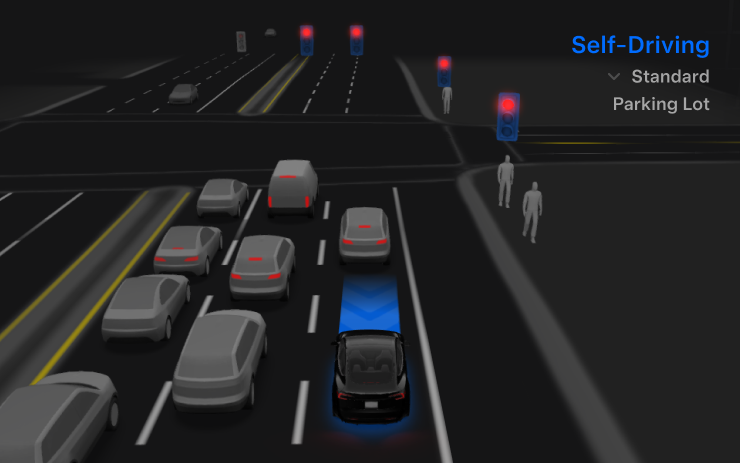
FSD (Supervised) v14.3.1
Included in 2026.2.9.7
Full Self-Driving (Supervised) v14.3.1 includes:
- Upgraded the Reinforcement Learning (RL) stage of training the FSD neural network, resulting in improvements in a wide variety of driving scenarios.
- Upgraded the neural network vision encoder, improving understanding in rare and low-visibility scenarios, strengthening 3D geometry understanding, and expanding traffic sign understanding.
- Rewrote the AI compiler and runtime from the ground up with MLIR, resulting in 20% faster reaction time and improving model iteration speed.
- Mitigated unnecessary lane biasing and minor tailgating behaviors.
- Increased decisiveness of parking spot selection and maneuvering.
- Improved parking location pin prediction, now shown on a map with a P icon.
- Enhanced response to emergency vehicles, school buses, right-of-way violators, and other rare vehicles.
- Improved handling of small animals by focusing RL training on harder examples and adding rewards for better proactive safety.
- Improved traffic light handling at complex intersections with compound lights, curved roads, and yellow light stopping — driven by training on hard RL examples sourced from the Tesla fleet.
- Improved handling for rare and unusual objects extending, hanging, or leaning into the vehicle path by sourcing infrequent events from the fleet.
- Improved handling of temporary system degradations by maintaining control and automatically recovering without driver intervention, reducing unnecessary disengagements.
Upcoming Improvements:
- Expand reasoning to all behaviors beyond destination handling.
- Add pothole avoidance.
- Improve driver monitoring system sensitivity with better eye gaze tracking, eye wear handling, and higher accuracy in variable lighting conditions.
Full Self-Driving (Supervised)
Included in 2026.2.9.7
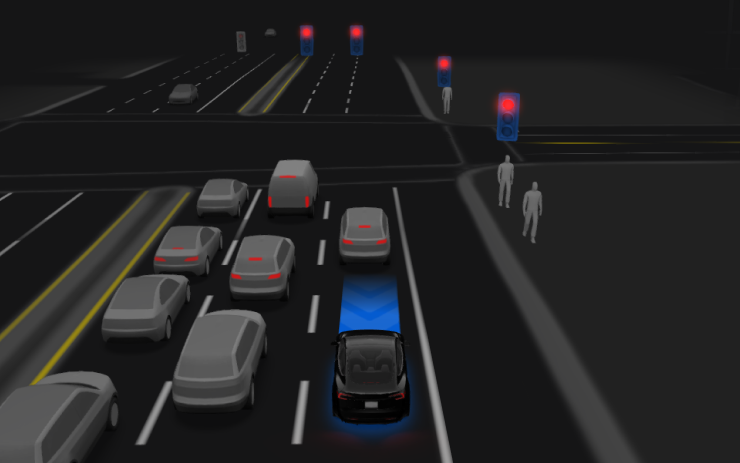
Under your supervision, Full Self-Driving (Supervised) can drive your Tesla almost anywhere. It will start from a parked position, make lane changes, select forks to follow your navigation route, navigate around other vehicles and objects, make left and right turns and park at your destination. You and anyone you authorize must use additional caution and remain attentive. It does not make your vehicle autonomous. Do not become complacent.
Full Self-Driving (Supervised) is enabled on your vehicle. To use the feature, press the Start Self-Driving button on the UI, or press the right scroll wheel button once. You can disable Full Self-Driving (Supervised) in Self-Driving Settings.
Autopilot Naming Update
Included in 2026.2.9
This change only updates the name of certain features and text in your vehicle, and does not change the way your features behave.
- Navigate on Autopilot has been renamed to Navigate on Autosteer
- FSD Computer has been renamed to AI Computer.
Unlatching Charge Cable
Included in 2026.2.3
Charging can now be stopped and the charge cable released by pulling and holding the rear left door handle for 3 seconds, provided the vehicle is unlocked or a recognized key is nearby. This is especially useful when the charge cable unlatch button does not work or a charging adapter is stuck in the charge port. You can still release the cable using the vehicle touchscreen or the Tesla app.
Grok with Navigation Commands (Beta)
Included in 2025.44.25.4
Grok can now add and edit navigation destinations, becoming your personal guide. You can ask Grok to navigate to the best Thai restaurant near you, find a Supercharger within walking distance of a coffee shop, or even plan a romantic sightseeing tour. Requires Premium Connectivity or a Wi-Fi connection. Conversations are anonymous to Tesla and are not associated with your vehicle.
Set Grok’s personality to Assistant to use Navigation Commands. Go to App Launcher > Grok, or long-press the voice button on your steering wheel after logging in to Grok.
Tesla Photobooth
Included in 2025.44.25.4
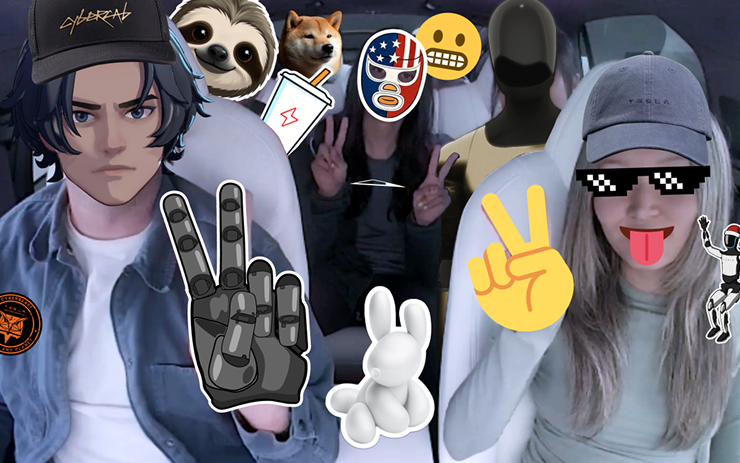
Turn your car into a photobooth! Take selfies from inside your Tesla and give yourself a makeover with fun filters, stickers, and emojis. Share your stylish photos with friends and family right from the Tesla App. Your car must be in Park. Requires Tesla App version 4.51.5+.
Go to App Launcher > Toybox > Photobooth.
Dog Mode Live Activity on iOS
Included in 2025.44.25.4
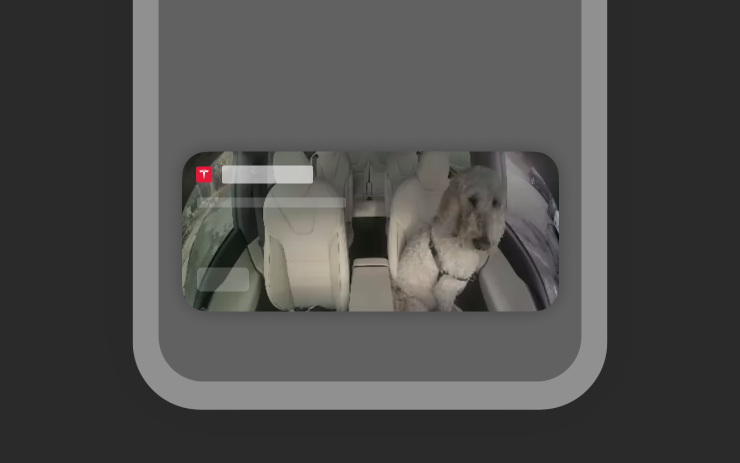
Keep an eye on your pet! When Dog Mode is active, you’ll see a Live Activity on your iPhone with live updates on temperature and climate conditions. If you have Premium Connectivity, you’ll also get periodic snapshots of your vehicle’s cabin. Requires Tesla App version 4.51.5+.
Dashcam Viewer Update
Included in 2025.44.25.4
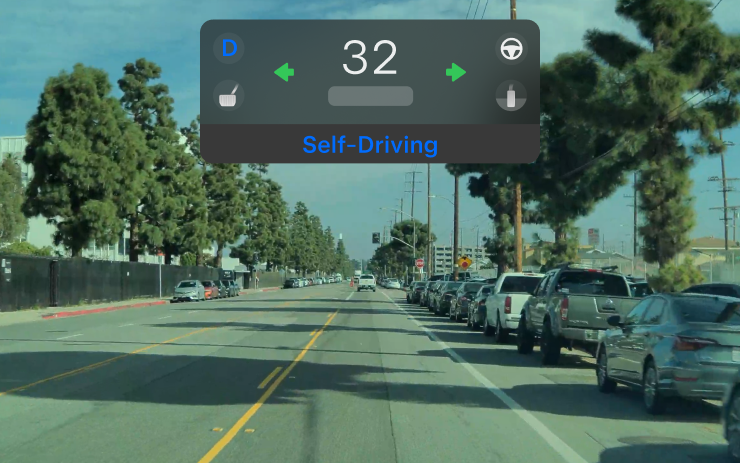
Dashcam clips now include additional details such as speed, steering wheel angle, and self-driving state. These details are visible in the Dashcam Viewer during playback on the vehicle display. Playback in the Tesla App is also supported and requires Premium Connectivity and Tesla App version 4.51.5+.
To enable viewing on your phone, go to Controls > Safety and turn on View Camera via Mobile App.
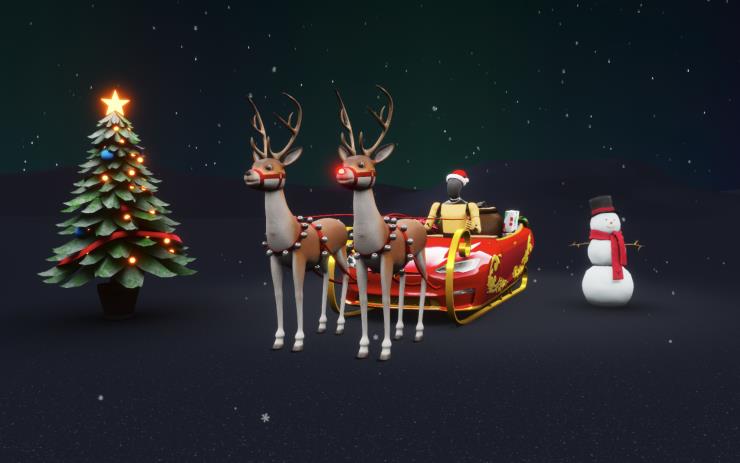
Santa Mode Updates
Included in 2025.44.25.4
Spread holiday cheer year round and transform your in-car experience with holiday themed effects. Santa Mode now adds festive snowmen, trees, a lock chime, and snow effects for a 3D visual treat.
Go to App Launcher > Toybox > Santa.
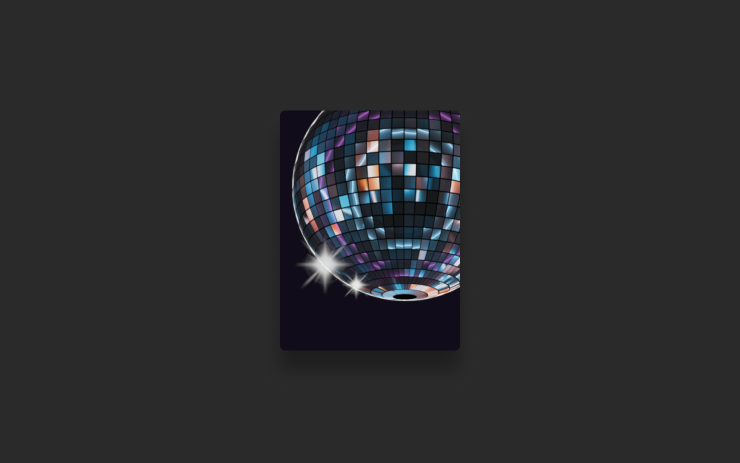
Light Show Update
Included in 2025.44.25.4
Time to celebrate with the latest Light Show - Jingle Rush. You can play the show instantly or schedule it up to 10 minutes in advance, either on a single vehicle or synced with friends. Light Show enthusiasts can control interior lighting, add display color effects, and create longer custom shows. To play a custom show, save the show files in a "LightShow" folder on your flash drive, connect, and select.
Start the show from your Tesla App or go App Launcher > Toybox > Light Show on your vehicle's touchscreen.
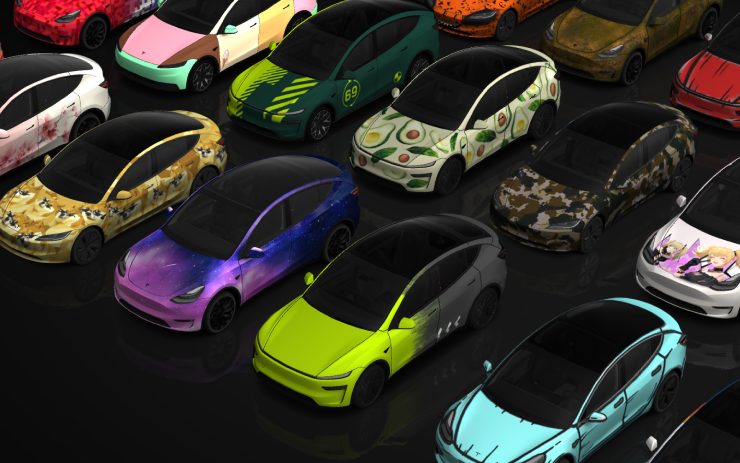
Paint Shop
Included in 2025.44.25.4
Personalize your Tesla avatar with window tints, custom wraps, and license plates. Use one of many preloaded designs or create and upload your own using a USB flash drive to make your vehicle unique.
Go to App Launcher > Toybox > Paint Shop or tap the paint or license plate button in Controls > Software.
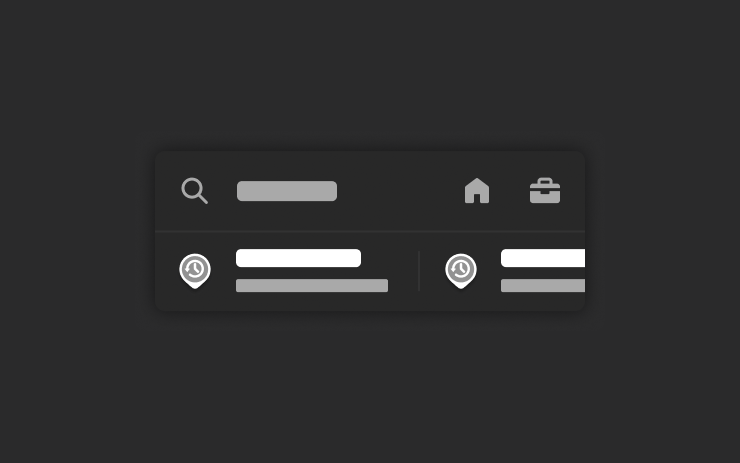
Navigation Improvements
Included in 2025.44.25.4
You can now reorder your navigation favorites, set Home or Work by dropping a pin anywhere on the map, and view suggested destinations based on your recent trips and habits.

Automatic HOV Lanes Routing
Included in 2025.44.25.4
Navigation now includes an option to use high-occupancy vehicle (HOV) carpool lanes automatically based on time, passenger count, and road restrictions.
Go to Controls > Navigation > Use HOV.
Supercharger Site Maps
Included in 2025.44.25.4
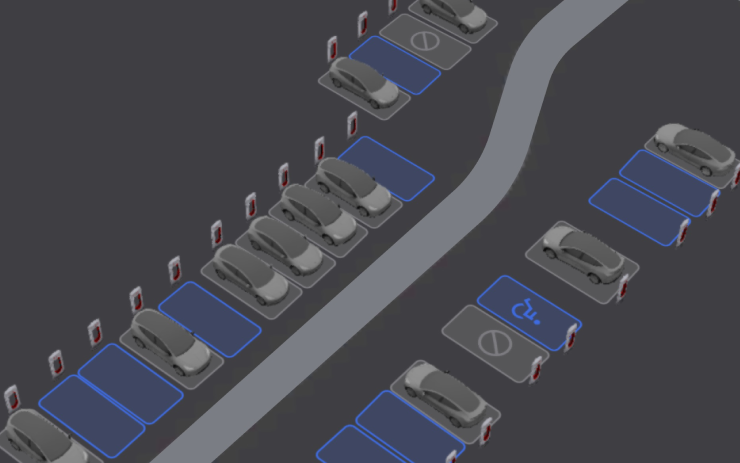
You can now see a 3D view of select Tesla Superchargers by tapping "View Site Map". When navigating to a pilot location, the site layout and live occupancy (Available / Occupied / Down) will be displayed upon arrival.
Phone Left On Wireless Charger
Included in 2025.44.25.4
Your vehicle will chime a few seconds after the doors close if a phone is left on the wireless charger and no occupants are detected.
Go to Controls > Locks > Phone Left On Wireless Charger Chime.

Save Charge Limit by Location
Included in 2025.44.25.4
You can now save a charge limit for your current location while parked, and it will be applied automatically next time you charge there.
Go to Controls > Charging.
SpaceX Docking Simulator
Included in 2025.44.25.4
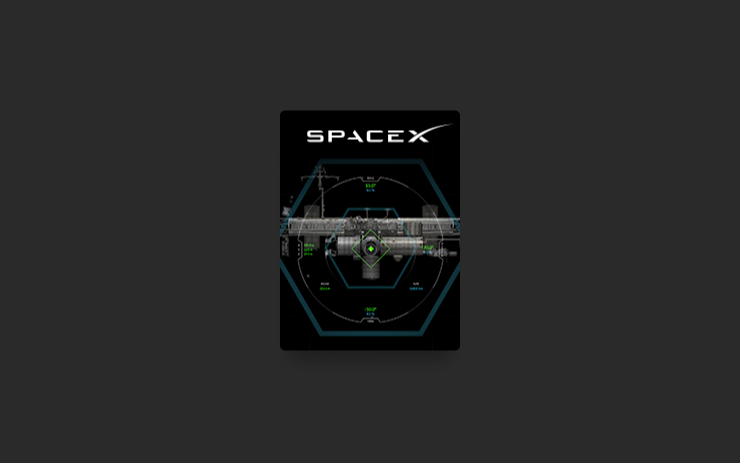
Become an astronaut and prove your skills by docking with the International Space Station. Control and guide the rocket in this 3D docking simulator game using a set of controls based on actual interfaces used by NASA astronauts.
To play, shift into Park (P), and go to App Launcher > Arcade > SpaceX.
Minor Updates
Included in 2025.44.25.4
- Enable or disable wireless phone charging pads in Controls > Charging.
- Your vehicle will now send a mobile alert if any cabin door is left open while Dog Mode is active.
- Add Spotify tracks to your queue right from the search screen.
- Scroll through large Spotify playlists, albums, podcasts, audiobooks, and your library seamlessly, without paging.
- Lock Sound now includes Light Cycle from Tron Mode. Go to App Launcher > Toybox > Boombox > Lock Sound.
- Allow your vehicle to share charging data with Tesla to support features like Charge Stats in the Tesla app.
Minor Update
Included in 2025.44
- You can now choose Exclude Home when Cabin Overheat Protection or No A/C is enabled.