Version 2026.16.6
Released June 19, 2026
Autopilot Naming Update
Included in 2026.16.6
This change only updates the name of certain features and text in your vehicle, and does not change the way your features behave.
- Navigate on Autopilot has been renamed to Navigate on Autosteer
- FSD Computer has been renamed to AI Computer.
FSD (Supervised) v14.3.3 Down Under
Included in 2026.16.6
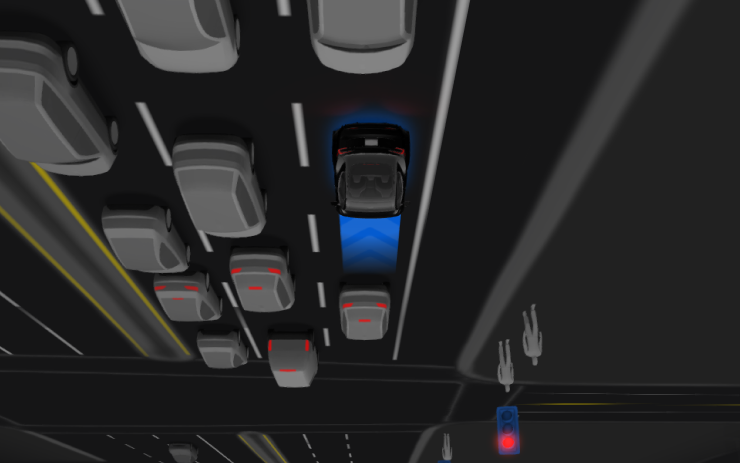
Full Self-Driving (Supervised) v14.3.3 includes:
- Upgraded the Reinforcement Learning (RL) stage of training the FSD neural network, resulting in improvements in a wide variety of driving scenarios.
- Upgraded the neural network vision encoder, improving understanding in rare and low-visibility scenarios, strengthening 3D geometry understanding, and expanding traffic sign understanding.
- Rewrote the AI compiler and runtime from the ground up with MLIR, resulting in 20% faster reaction time and improving model iteration speed.
- Mitigated unnecessary lane biasing and minor tailgating behaviors.
- Increased decisiveness of parking spot selection and maneuvering.
- Improved parking location pin prediction, now shown on a map with a P icon.
- Enhanced response to emergency vehicles, school buses, right-of-way violators, and other rare vehicles.
- Improved handling of small animals by focusing RL training on harder examples and adding rewards for better proactive safety.
- Improved traffic light handling at complex intersections with compound lights, curved roads, and yellow light stopping — driven by training on hard RL examples sourced from the Tesla fleet.
- Improved handling for rare and unusual objects extending, hanging, or leaning into the vehicle path by sourcing infrequent events from the fleet.
- Improved handling of temporary system degradations by maintaining control and automatically recovering without driver intervention, reducing unnecessary disengagements.
- Improved driver monitoring system sensitivity with better eye gaze tracking, eye wear handling, and higher accuracy in variable lighting conditions.
- Help Tesla improve Self-Driving by selecting an intervention reason on the main screen after taking over.
- You can now see distance traveled in FSD (Supervised) without an intervention. The Self-Driving App will also show your longest intervention-free streak.
Upcoming Improvements:
- Expand reasoning to all behaviors beyond destination handling.
- Add pothole avoidance.
Arrival Options
Included in 2026.16.6
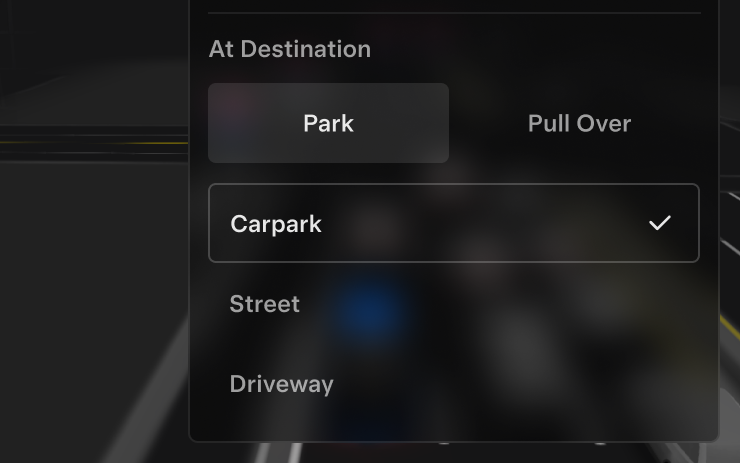
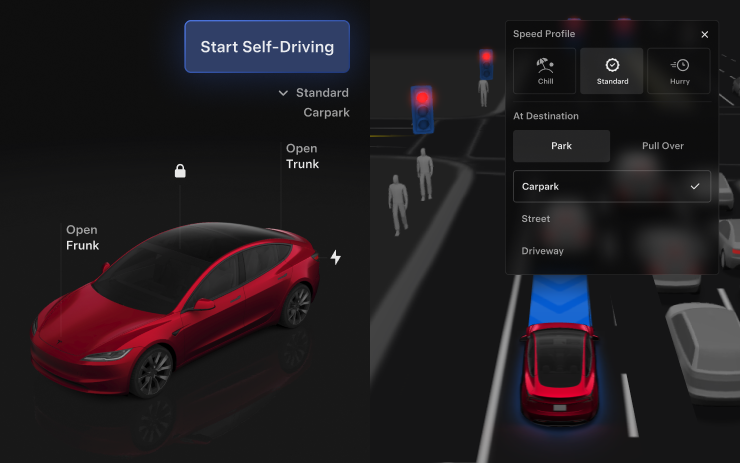
- You can now select an arrival option such as Carpark, Indoor Carpark, Street, Driveway, and Pull Over for Robotaxi-style drop offs.
- Your preferences for arrival options and preferred parking positions are persisted for each destination.
- Our reasoning model will assess the suitable options for your destination and pick an intuitive default.
- The navigation pin will be adjusted based on the selected Arrival Option.
Speed Profiles
Included in 2026.16.6
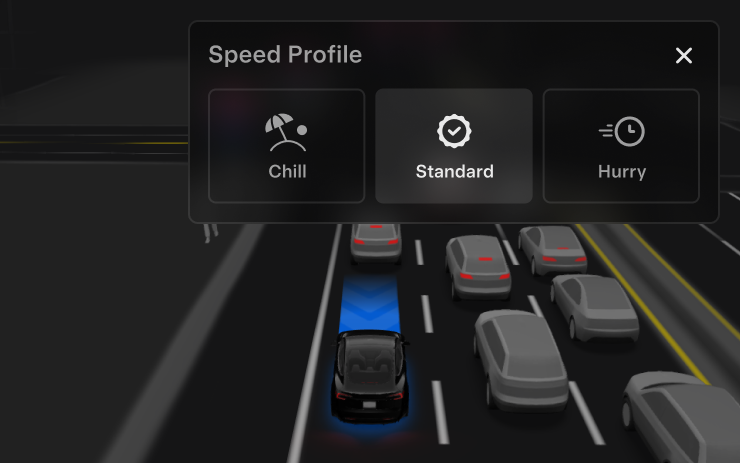
FSD (Supervised) will now determine the appropriate speed based on a mix of driver profile, speed limit, and surrounding traffic.
- Driver profile now has a stronger impact on behavior. The more assertive the profile, the higher the max speed.
- Right scroll-wheel up/down now adjusts Speed Profile setting rather than your precise max speed offset selection in mph or km/h.
- Introduced new Speed Profile SLOTH, which comes with lower speeds & more conservative lane selection than CHILL.
UI Improvements
Included in 2026.16.6
- You can now view your Self-Driving stats under Controls > Self-Driving.
- Start Self-Driving with a tap of the touchscreen from Park, or any time during your drive.
- Adjust settings like the Speed Profile and Arrival Options directly from the Self-Driving visualization on the center display.
Brake Confirm
Included in 2026.16.6
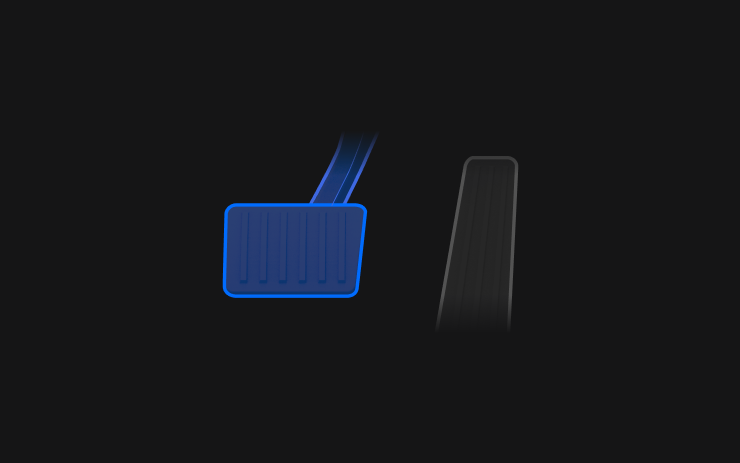
Brake Confirm for the Start Self-Driving button is now defaulted off. When disabled, Start Self-Driving will not require you to press and release the brake to confirm engagement.
You can enable Brake Confirm in Self-Driving > Brake Confirm.
Full Self-Driving (Supervised) Down Under
Included in 2026.16.6
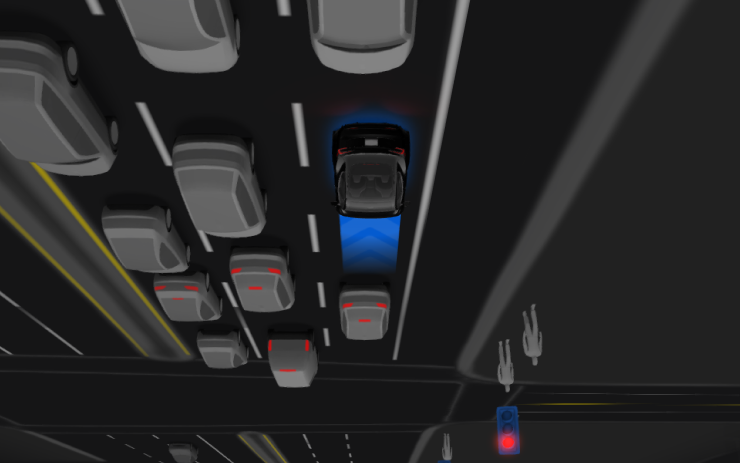
Under your supervision, Full Self-Driving (Supervised) Down Under can drive your Tesla almost anywhere. It will make lane changes, select forks to follow your navigation route, navigate around other vehicles and objects, and make left and right turns. You and anyone you authorise must use additional caution and remain attentive. It does not make your vehicle autonomous. Do not become complacent.
Full Self-Driving (Supervised) Down Under is enabled on your vehicle. To use the feature, press the right scroll wheel button once. You can disable Full Self-Driving (Supervised) Down Under in Self-Driving Settings.
Be aware of road conditions or hazards (such as pot holes and speed bumps) and operate the vehicle responsibly under all circumstances.

"Hey Grok"
Included in 2026.14.3
Launch Grok by saying "Hey Grok." Go to Grok > Settings to enable. You can also set location based reminders, like "remind me to pick up milk when I'm near home." Say "goodbye" to dismiss.
Pet Mode
Included in 2026.14.3
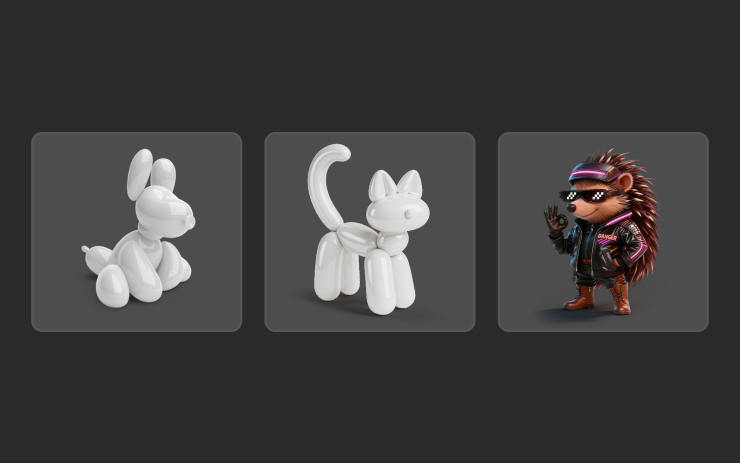
Choose and name your pet by going to Controls > Display > Customize Pet Mode.
Visual Updates
Included in 2026.14.3
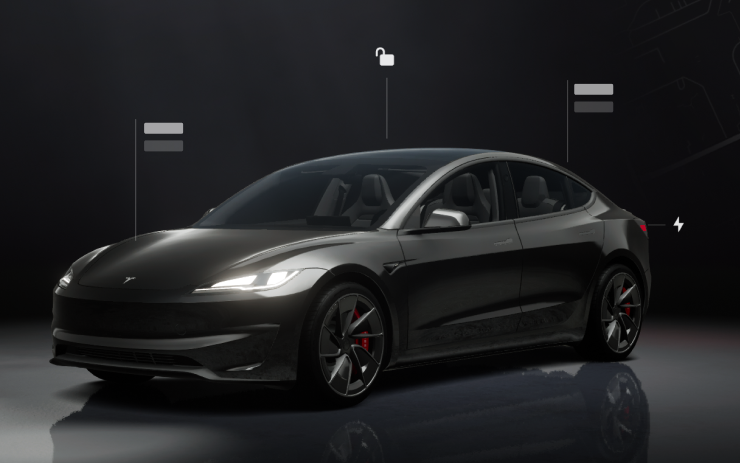
The center display now features higher quality images of your Tesla, and an enhanced park scene environment.
Trips
Included in 2026.14.3
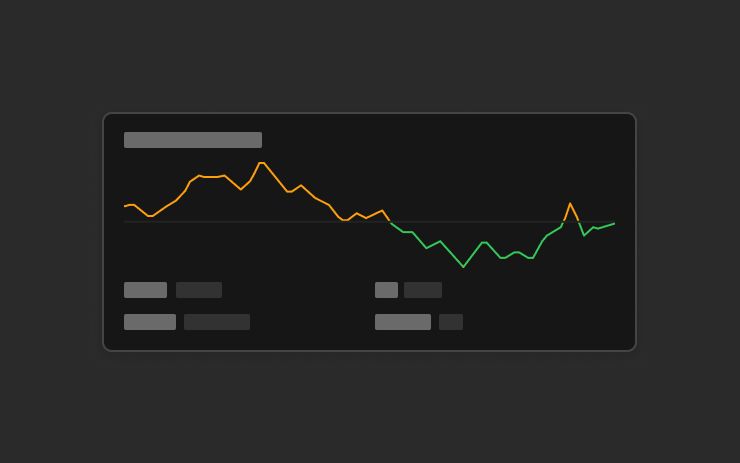
Trips are now in the Energy app, where you can create and manage multiple trips to track energy usage across different drives, routes, or conditions. Go to App Launcher > Energy > Trips. For quick access to the Trips Card, swipe left on the Media Card.
Sketchpad
Included in 2026.14.3
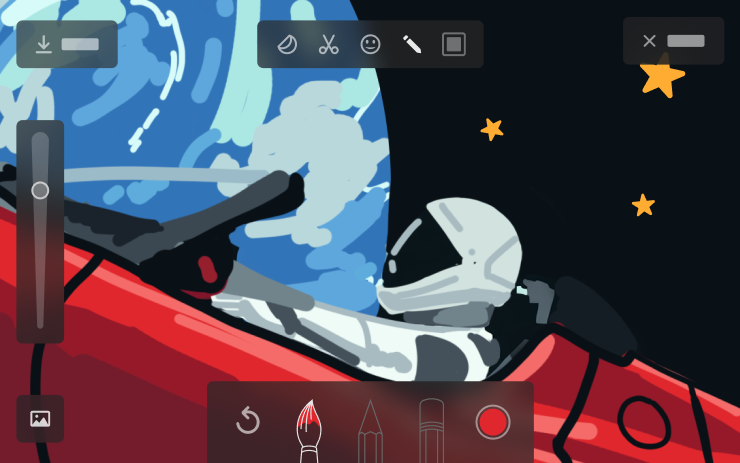
Unleash your inner artist with the enhanced Sketchpad, now supporting stickers and emojis. Save your sketches to access them in the Mobile App and share. Requires Mobile App version 4.55.6 or later.

Blind Spot Warning Accent Lights
Included in 2026.14.3
Accent lights now turn red when an object is in your blind spot and your turn signal is engaged, or when an approaching object is detected while parked. To disable, go to Controls > Lights > Blind Spot Warning Accent Lights.
Immersive Sound Upgrade
Included in 2026.14.3
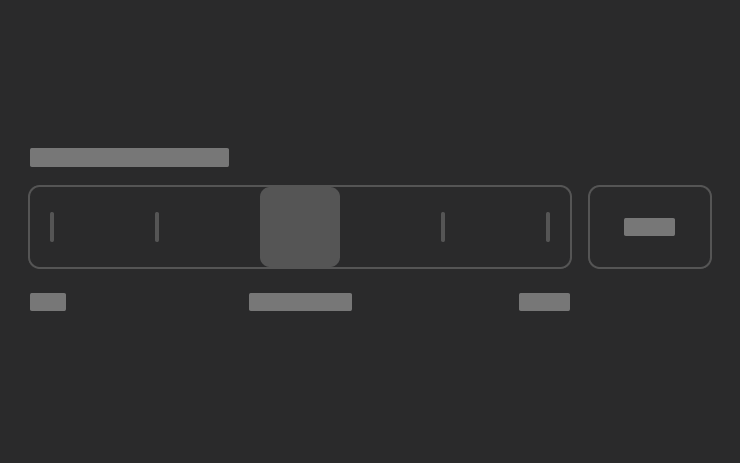
Premium Immersive Sound uses advanced sound extraction to place the listener in front of a detailed soundstage within an Immersive space. This enhancement works with all streaming sources.
Go to Settings > Audio > Tone > Immersive Sound to adjust.
Music App Queuing
Included in 2026.14.3
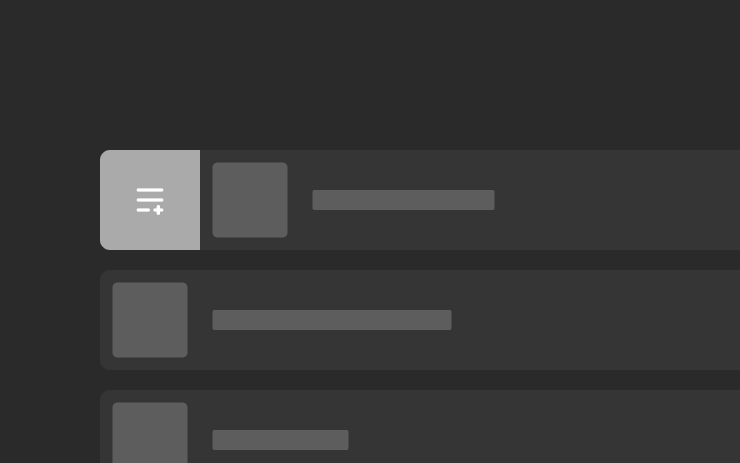
Swipe right on tracks in Apple Music or Spotify to add them to the queue. In Apple Music, tap and hold on a track to add or remove from Favorites. In Spotify, swipe left to add or remove from Liked Songs.
Automatic Software Updates
Included in 2026.14.3
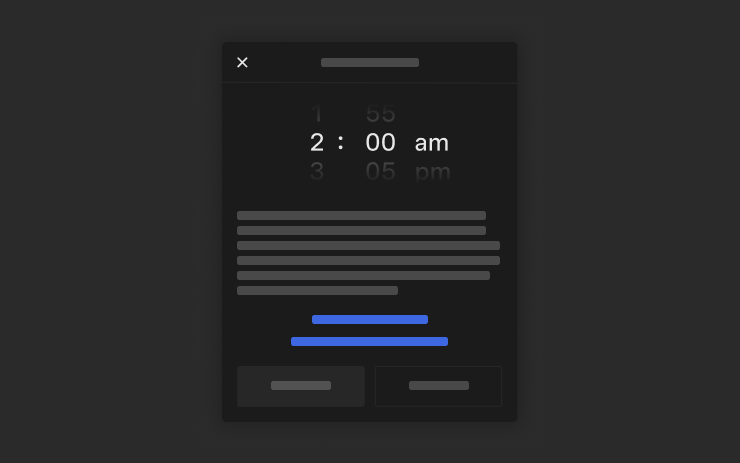
Your Tesla can now automatically install downloaded software updates overnight. When enabled, updates will install while your Tesla is parked and not in use, ensuring you always have the latest features and improvements.
To enable, go to Controls > Software > Automatically Install Updates.
Dashcam Viewer Updates
Included in 2026.14.3
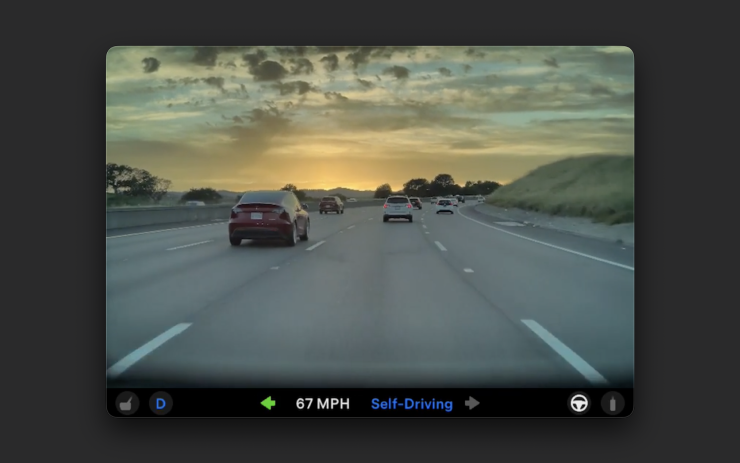
Recent Dashcam footage can now extend up to 24 hours, and you can save any clip for permanent storage on your Tesla or on your phone by going to App Launcher > Dashcam Viewer. To enable viewing on your phone, go to Controls > Safety and turn on View Camera via Mobile App. Clips stay on the vehicle and are never shared to Tesla.
Clips downloaded to your phone now include details such as speed, steering wheel angle, and Self-Driving state. Downloads require Premium Connectivity and Mobile App version 4.55.6 or later.
Weather Maps Improvements
Included in 2026.14.3
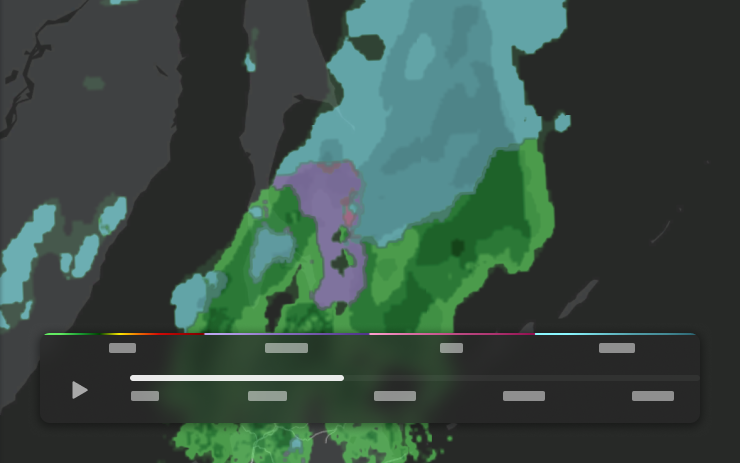
Weather maps now show snow and rain with improved colors that make it easier to distinguish between precipitation types. You can also view the past hour of weather data to see how conditions have been changing along your route. This feature requires Premium Connectivity. To view, tap the weather icon on the map.
Keyboard
Included in 2026.14.3
Your selected keyboard language will also select the language used for dictation. Tap the international keyboard button to change keyboard and dictation language, without changing voice command language. Tap the mic icon in the keyboard to dictate.
Rear Display
Included in 2026.14.3
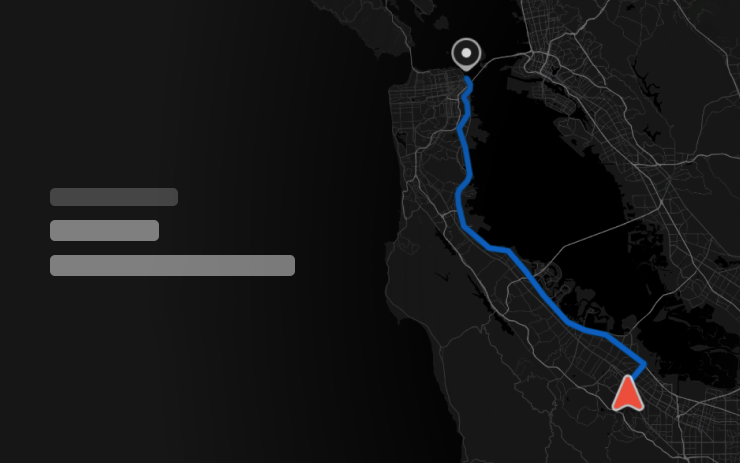
Passengers in rear seats can now view and interact with maps on the rear display while your Tesla navigates a route. Tap the maps icon from the rear display to follow along.

Security Improvements
Included in 2026.14.3
This update includes important security fixes and improvements.