Version 2026.15.6
Released June 3, 2026
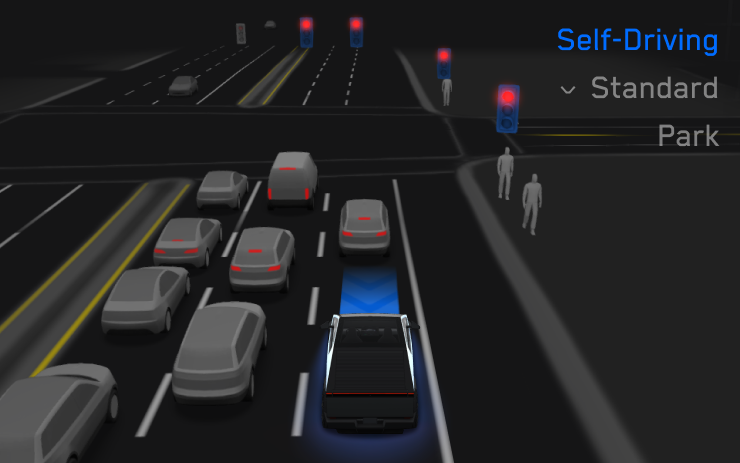
FSD (Supervised) v14.2.2.5
Included in 2026.15.6
- Added Arrival Options for you to select whether FSD should park or stop curbside.
- Added navigation and routing into the vision-based neural network for real-time handling of blocked roads and detours.
- Added additional Speed Profile to further customize driving style preference.
- Improved handling for static and dynamic gates.
- Improved offsetting for road debris (e.g. tires, tree branches, boxes).
- Improve handling of several scenarios including: unprotected turns, lane changes, vehicle cut-ins, and school busses.
- Improved FSD's ability to manage system faults and recover smoothly from degraded operation for enhanced reliability.
- Added alerting for residue build-up on interior windshield that may impact front camera visibility. If affected, visit Service for cleaning!
Upcoming Improvements:
- Overall smoothness and sentience
- Parking spot selection and parking quality
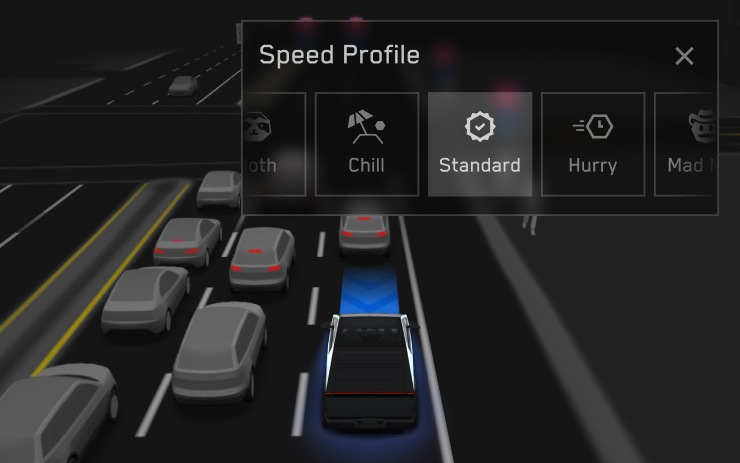
Speed Profiles
Included in 2026.15.6
FSD (Supervised) will now determine the appropriate speed based on a mix of driver profile, speed limit, and surrounding traffic. However, the speed determined by the FSD (Supervised) may differ from the speed limit, and the driver is responsible for controlling the vehicle speed at all times.
- Introduced new Speed Profile SLOTH, which comes with lower speeds & more conservative lane selection than CHILL.
- Introduced new speed profile MAD MAX, which comes with higher speeds and more frequent lane changes than HURRY.
- Driver profile now has a stronger impact on behavior. The more assertive the profile, the higher the max speed.
- Right scroll-wheel up/down now adjusts Speed Profile setting rather than your precise max speed offset selection in mph/kph.
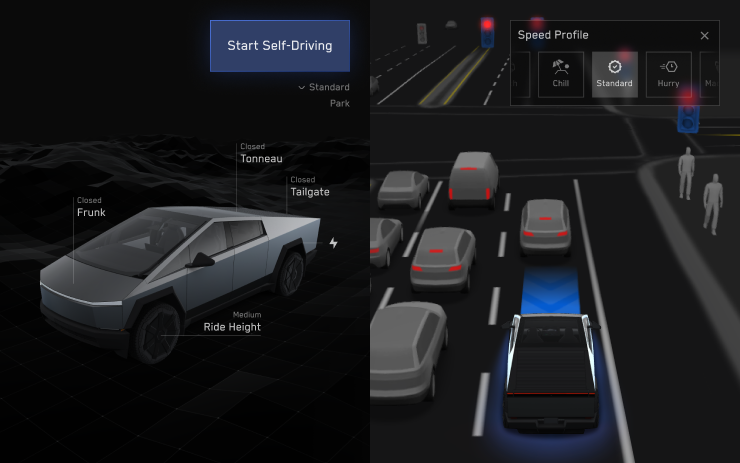
UI Improvements
Included in 2026.15.6
- Start Self-Driving with a tap of the touchscreen from Park, or any time during your drive.
- Adjust settings like the Speed Profile and Arrival Options directly from the Self-Driving visualization on the center display.
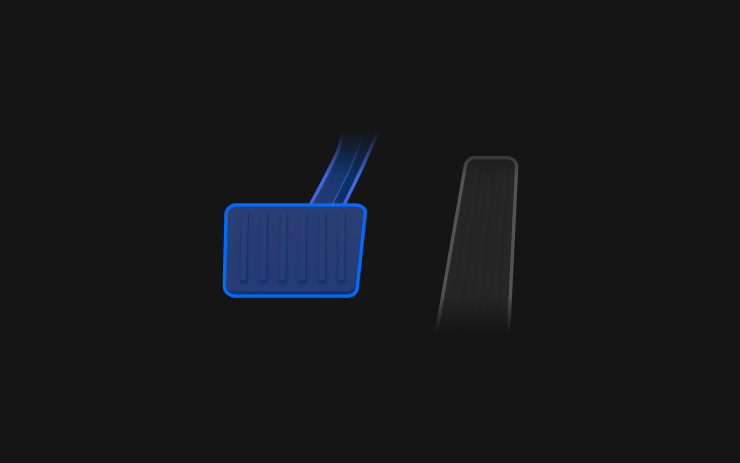
Brake Confirm
Included in 2026.15.6
Brake Confirm for the Start Self-Driving button is defaulted off. When disabled, Start Self-Driving will not require you to press and release the brake to confirm engagement.
You can enable Brake Confirm in Self-Driving > Brake Confirm.
Full Self-Driving (Supervised)
Included in 2026.15.6
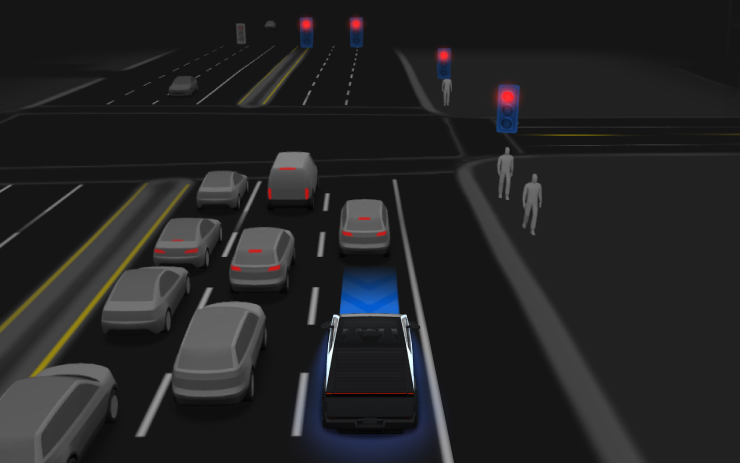
Under your supervision, Full Self-Driving (Supervised) can drive your Tesla almost anywhere. It will start from a parked position, make lane changes, select forks to follow your navigation route, navigate around other vehicles and objects, make left and right turns and park at your destination. You and anyone you authorize must use additional caution and remain attentive. It does not make your vehicle autonomous. Do not become complacent.
Full Self-Driving (Supervised) is enabled on your vehicle. To use the feature, press the Start Self-Driving button on the UI, or press the right scroll wheel button once. You can disable Full Self-Driving (Supervised) in Self-Driving Settings.
Pet Mode
Included in 2026.14.3
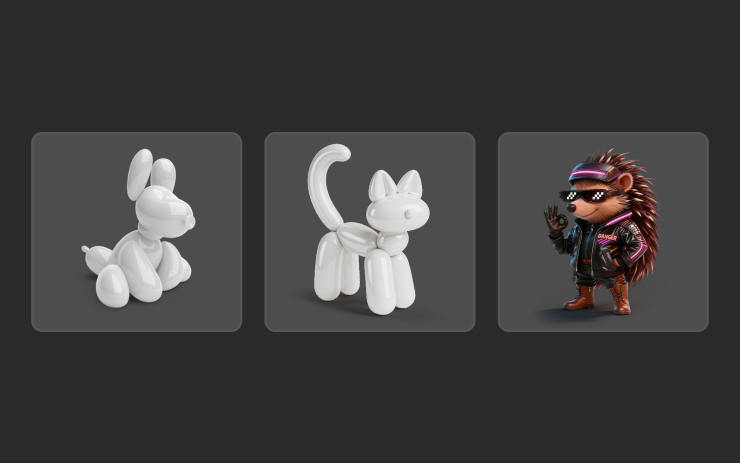
Choose and name your pet by going to Controls > Display > Customize Pet Mode.
Trips
Included in 2026.14.3
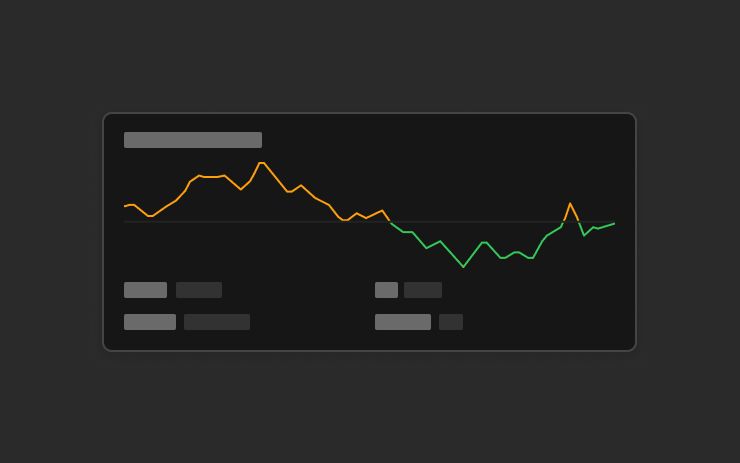
Trips are now in the Energy app, where you can create and manage multiple trips to track energy usage across different drives, routes, or conditions. Go to App Launcher > Energy > Trips. For quick access to the Trips Card, swipe left on the Media Card.
Sketchpad
Included in 2026.14.3
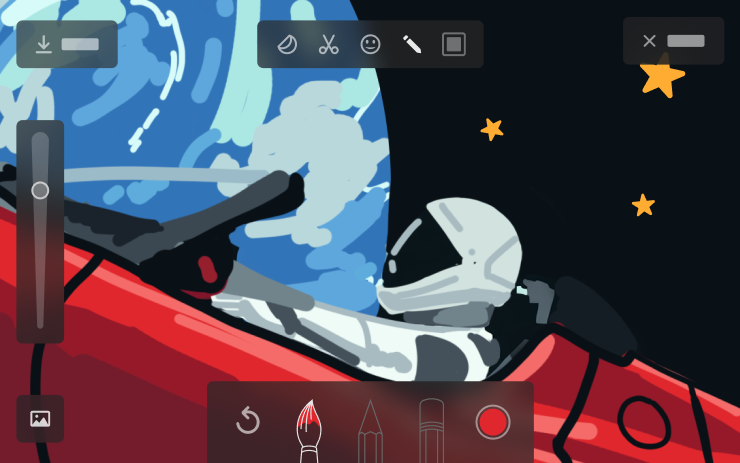
Unleash your inner artist with the enhanced Sketchpad, now supporting stickers and emojis. Save your sketches to access them in the Mobile App and share. Requires Mobile App version 4.55.6 or later.

Blind Spot Warning Accent Lights
Included in 2026.14.3
Accent lights now turn red when an object is in your blind spot and your turn signal is engaged, or when an approaching object is detected while parked. To disable, go to Controls > Lights > Blind Spot Warning Accent Lights.
Music App Queuing
Included in 2026.14.3
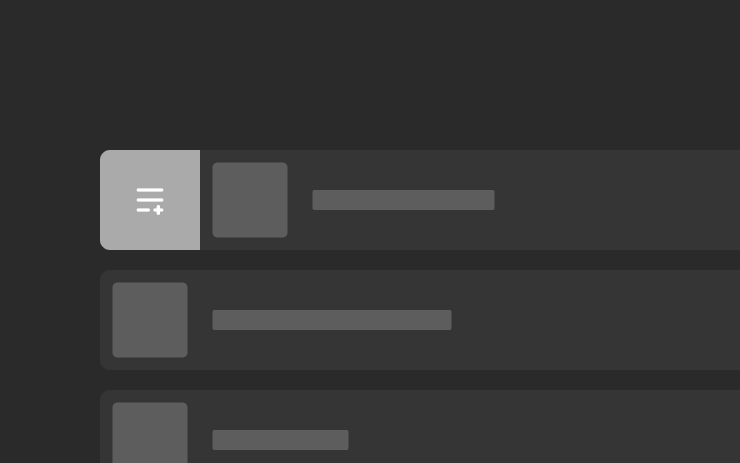
Swipe right on tracks in Apple Music or Spotify to add them to the queue. In Apple Music, tap and hold on a track to add or remove from Favorites. In Spotify, swipe left to add or remove from Liked Songs.
Automatic Software Updates
Included in 2026.14.3
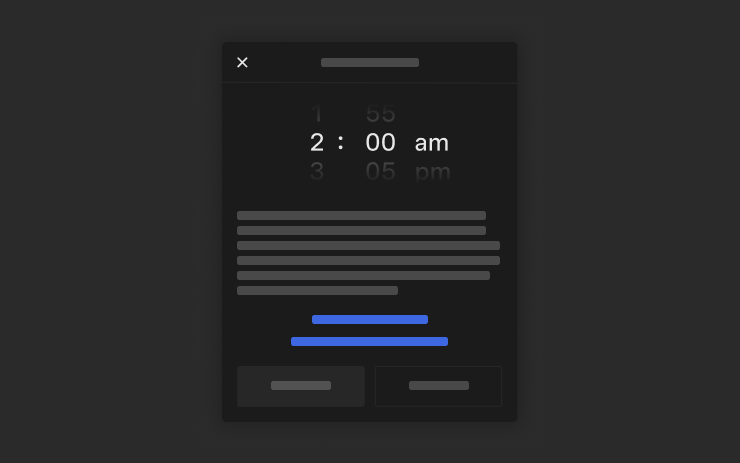
Your Tesla can now automatically install downloaded software updates overnight. When enabled, updates will install while your Tesla is parked and not in use, ensuring you always have the latest features and improvements.
To enable, go to Controls > Software > Automatically Install Updates.
Dashcam Viewer Updates
Included in 2026.14.3
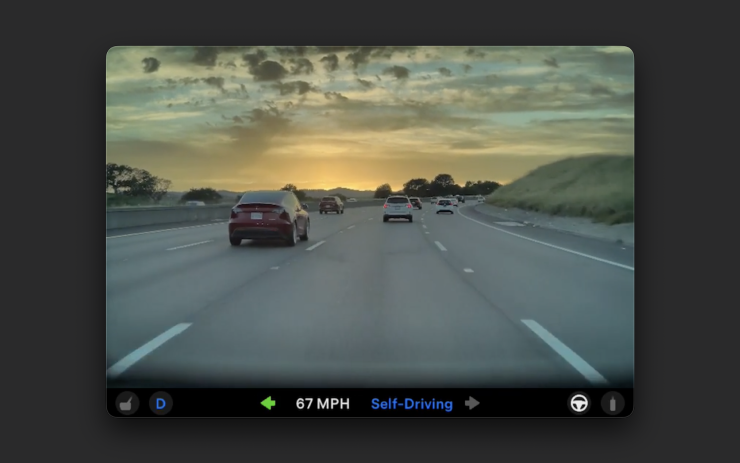
Recent Dashcam footage can now extend up to 24 hours, and you can save any clip for permanent storage on your Tesla or on your phone by going to App Launcher > Dashcam Viewer. To enable viewing on your phone, go to Controls > Safety and turn on View Camera via Mobile App. Clips stay on the vehicle and are never shared to Tesla.
Clips downloaded to your phone now include details such as speed, steering wheel angle, and Self-Driving state. Downloads require Premium Connectivity and Mobile App version 4.55.6 or later.
Keyboard
Included in 2026.14.3
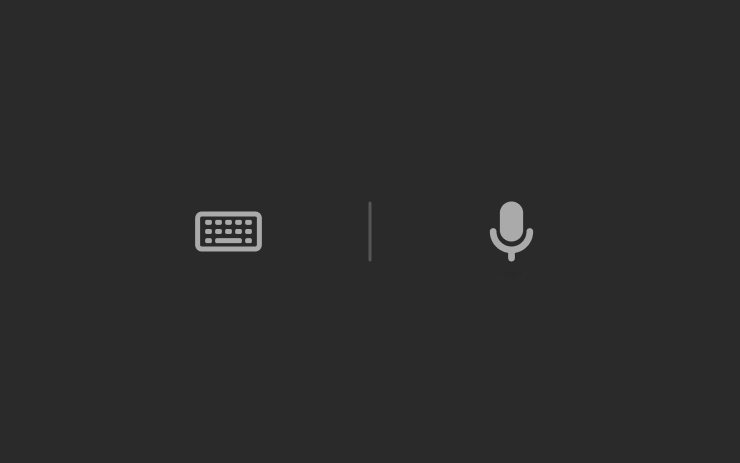
Your selected keyboard language will also select the language used for dictation. Tap the international keyboard button to change keyboard and dictation language, without changing voice command language. Tap the mic icon in the keyboard to dictate.
Rear Display
Included in 2026.14.3
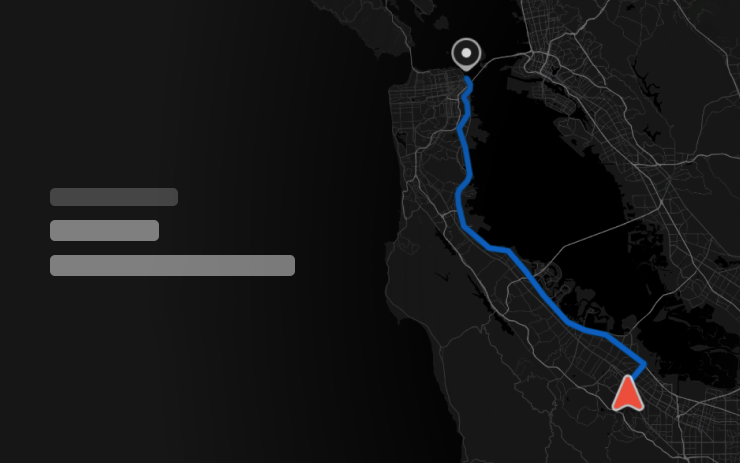
Passengers in rear seats can now view and interact with maps on the rear display while your Tesla navigates a route. Tap the maps icon from the rear display to follow along.
Security Improvements
Included in 2026.14.3
This update includes important security fixes and improvements.